Creating professional designs no longer requires expensive software or advanced design skills. With Canva’s education program, students and teachers can unlock premium creative tools without paying for a subscription.
If you’re searching for Canva Pro Education Free Access, this guide explains how eligible users can get premium access, what features are included, and how to claim it.
Here’s everything you need to know before signing up.
What is Canva Pro Education?
Canva offers a special educational program called Canva for Education.
It is a free premium version of Canva designed specifically for:
- K–12 teachers
- Eligible students
- School administrators
- Educational institutions
It provides access to premium design tools that are usually available in the paid Pro version.
This makes it one of the best free design resources for students and educators.
Is Canva Pro Free for Education?
Yes.
Eligible users can get free access to Canva Pro-level features through Canva for Education.
This includes many of the same benefits available in the standard Pro subscription.
If you qualify, you can use Canva’s premium tools without paying monthly or yearly fees.
Who Can Get Canva Pro Education Free Access?
Free educational access is generally available for:
Teachers
Verified K–12 teachers from eligible schools can apply directly.
Students
Students may gain access when invited by their verified teacher or school.
School Staff
Educational administrators and academic support staff may also qualify.
College students may not always qualify automatically, depending on region and institution verification.
What Features Are Included?
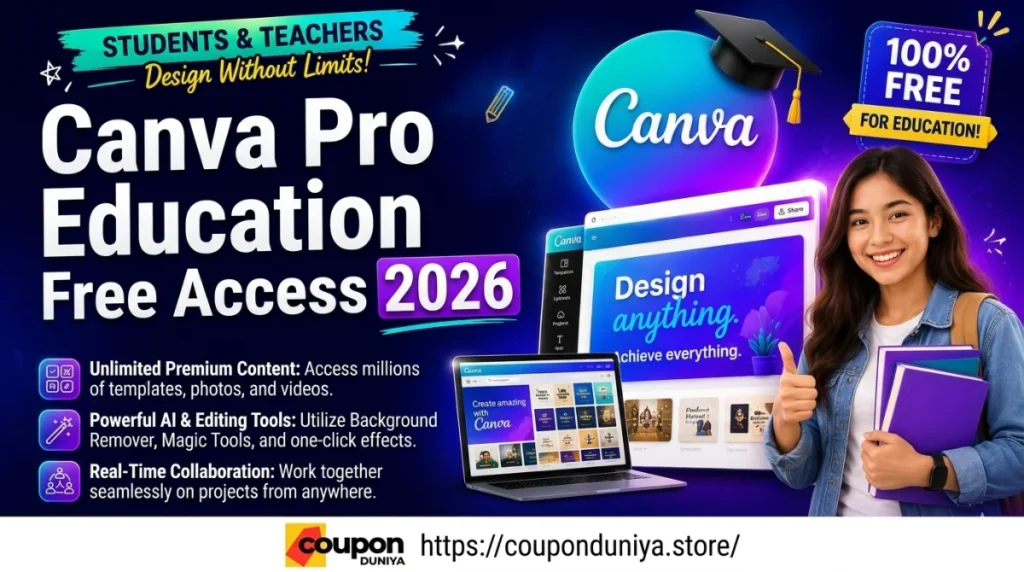
With Canva Pro Education Free Access, users can unlock powerful premium tools.
Premium Templates
Access thousands of professionally designed templates.
Background Remover
Quickly remove image backgrounds with one click.
Brand Kits
Organize fonts, logos, and brand assets.
Premium Stock Library
Use millions of premium photos, videos, and graphics.
Magic Design Tools
AI-powered design generation helps create faster.
Collaboration Tools
Work together on classroom and project designs.
These features make Canva ideal for assignments, presentations, posters, resumes, and digital projects.
How to Get Canva Pro Education Free Access
Getting access is simple if you’re eligible.
Step 1: Visit Canva for Education
Go to the official education page on Canva
Step 2: Sign Up
Create a Canva account using:
- School email address
- Google Classroom account
- Microsoft Education account
Step 3: Verify Eligibility
Canva may ask for:
- School identification
- Teaching credentials
- Institutional verification
Step 4: Wait for Approval
Verification can take a few hours to several days.
Step 5: Start Using Premium Features
Once approved, you’ll receive free education access.
Why Students Should Use Canva Pro Education
Canva is extremely useful for academic work.
Students can create:
- Presentation slides
- Assignment posters
- Infographics
- Research visuals
- Social media projects
- Resume designs
- Portfolio designs
It saves time while helping create polished professional work.
Is Canva Pro Education Worth It?
Absolutely.
For students and teachers, Canva Pro Education offers huge value because it combines:
✅ Premium creative tools
✅ AI-powered design assistance
✅ Easy collaboration
✅ Professional-quality templates
✅ Zero subscription cost
It’s one of the best educational software freebies available in 2026.
Alternatives to Canva Pro Education
If you’re not eligible, try these alternatives.
Adobe Express
Free design tools with premium educational options.
Figma
Excellent for UI and collaborative projects.
VistaCreate
A Canva-style design platform.
Google Slides
Simple and effective for academic projects.
Common Problems While Applying
Some users face verification issues.
Possible reasons include:
- Personal email used instead of school email
- Institution not recognized
- Missing verification documents
- Unsupported education category
If rejected, contact Canva support directly.
FAQs
Is Canva Pro free for college students?
It depends on educational eligibility and institution verification.
Can students apply directly?
Often students gain access through verified teachers or school invitations.
How long does approval take?
Usually between a few hours and a few days.
Is Canva Education better than Canva Free?
Yes, it unlocks many premium Pro-level features.
Final Verdict
Canva Pro Education Free Access is one of the best student and teacher benefits available today.
It gives eligible users access to premium creative tools without paying subscription fees.
If you’re a student or educator, applying for Canva for Education is highly recommended.
It can significantly improve presentations, assignments, and creative projects.